 upOS
upOSYour space, reconsidered
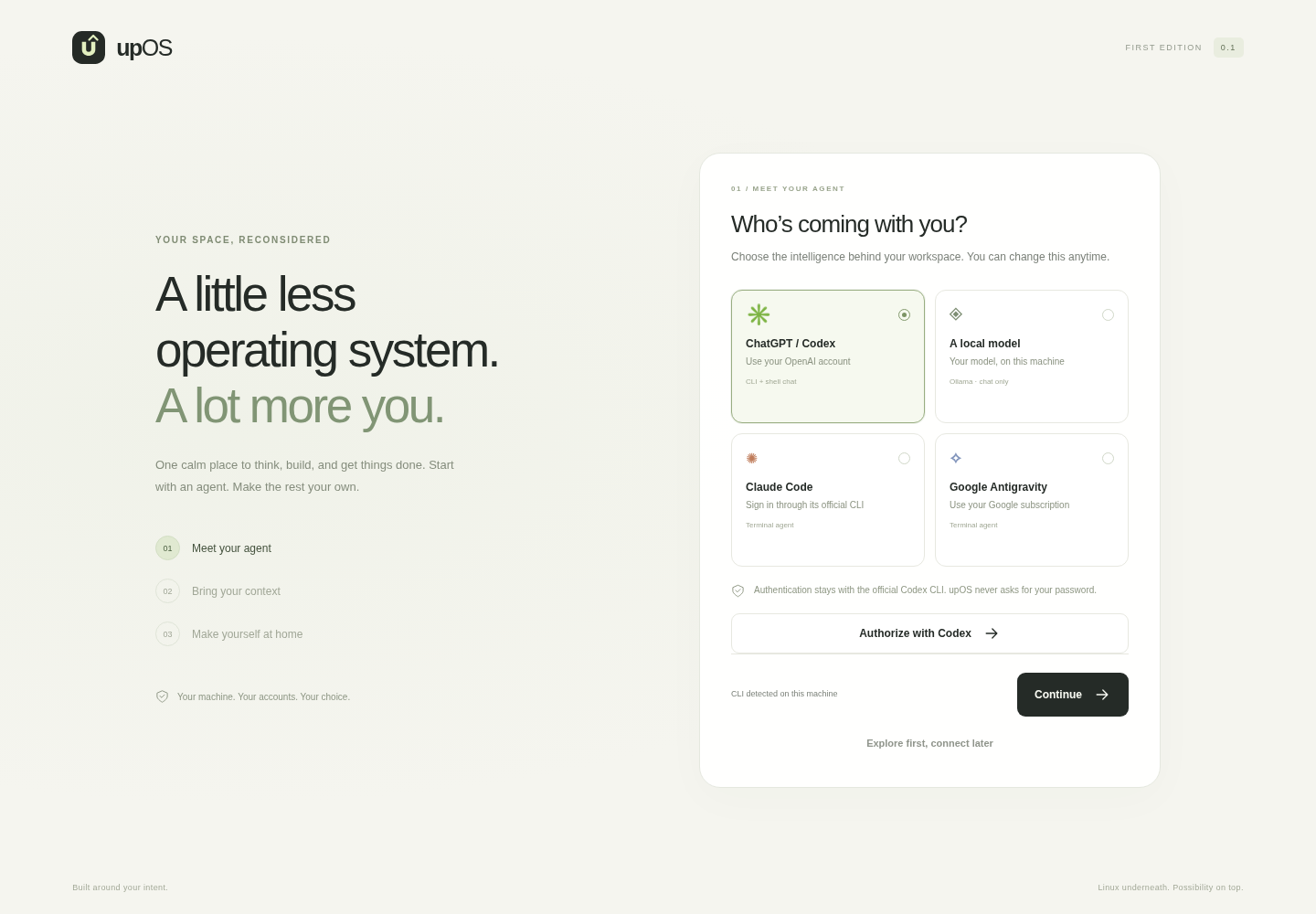
A little less
operating system.
A lot more you.
An agent-first Linux workspace. Manage your dev VMs on Mac or Windows — or boot a developer station where your own agent does the work.
Your machine. Your accounts. Your choice.
For companies · closed beta
One platform. Two purpose-built stations.
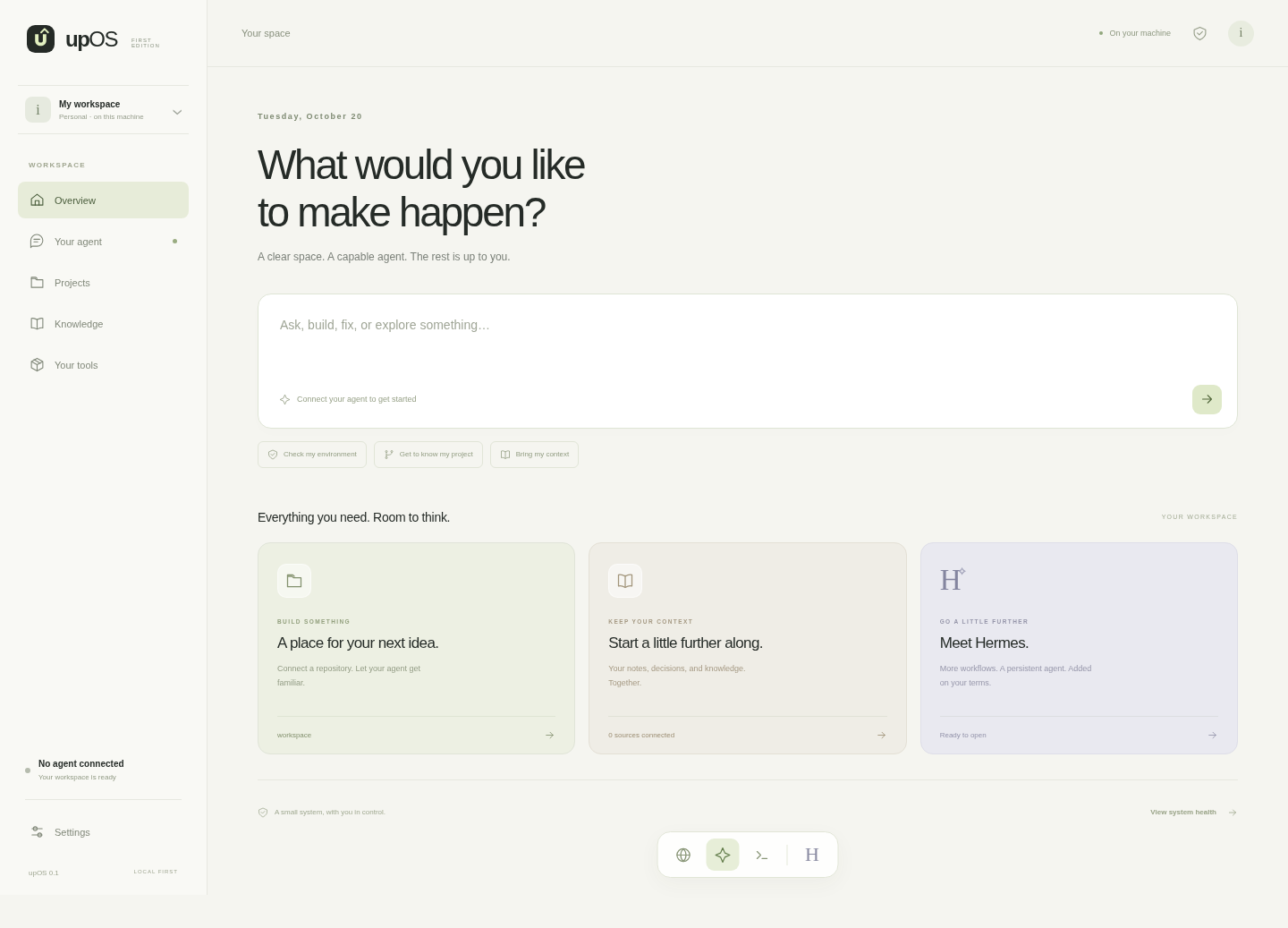
What would you like to make happen?
VM and Docker-first preview
Run on Windows, Mac, or Linux.
Windows
Manage Hyper-V from the app
Install the upOS app, download the Linux ISO, and create, start and stop your upOS VMs in Hyper-V.
Mac
Manage UTM from the app
Install the upOS app on your M-series Mac, grab the arm64 ISO, and run your VMs in UTM.
Docker
Any device with Docker
Generic option for Windows, Mac or Linux with Docker installed. Pull the container image and open localhost:7331.
Bootable
Your own dev station
Download the ISO and write it to a USB stick with Rufus or balenaEtcher. Boot and let your agent do the work.
Before you start
What you'll need.
Windows
- Windows 10 or 11, virtualization enabled in BIOS/UEFI
- 4 GB of free RAM for the VM
- A few GB of disk for the ISO and VM
Mac
- Apple Silicon Mac (M1 or later)
- macOS 13 or newer, with UTM installed
- Arm64 ISO from the releases page
Docker
- Docker Desktop or Docker Engine on any OS
- 4 GB of free RAM for the container
- Everything else is pulled for you
Bootable
- A PC that can boot from USB
- A USB stick with at least 4 GB
- Rufus or balenaEtcher to write the ISO
Not sure which fits? The Docker option works anywhere Docker runs — including Windows and Mac.
The experience
One calm place to think, build, and get things done.
- 01
Meet your agent
Codex with your OpenAI login, a local Ollama model, or Claude Code / Google Antigravity.
- 02
Bring your context
A local folder, a GitHub repository, or a selected Google Drive folder via rclone.
- 03
Make yourself at home
Chat, diagnose, connect a project, open Chromium or a terminal. Add Hermes when useful.
Go a little further
A bootable developer station.
Minimal Debian 13 image — no GNOME, no IDE, no bloat. Just Chromium, Git, Docker, rclone, a recovery terminal and your agent.
Download the ISOCreate installable USB media
- 1. Download the upOS ISO.
- 2. Write it to a USB stick with Rufus (Windows) or balenaEtcher (Windows, Mac, Linux).
- 3. Boot from the USB and meet your agent.
Prefer to build it yourself?
bash scripts/build-image.sh
# if Docker needs sudo:
UPOS_BUILD_SUDO=1 bash scripts/build-image.sh